
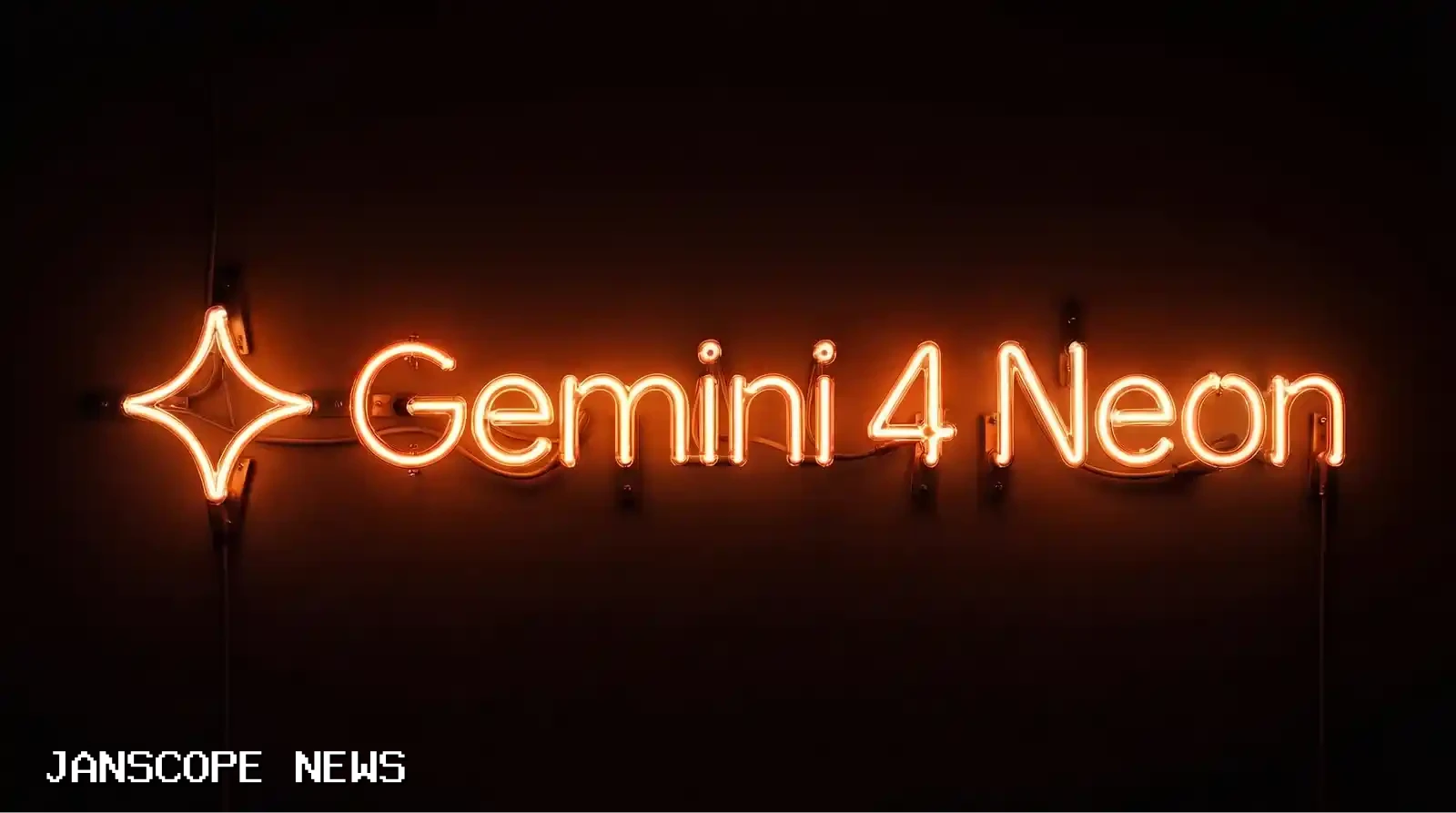
The Gemini 4 Neon API is documented through Google's official developer channels, with technical specifications published in the Google AI Studio Gemini 4 Neon model documentation and announcement details on the Google India product blog. Developers evaluating the model should verify live endpoint identifiers, token pricing, and rate limits directly in Google AI Studio before deploying to production.
Where to find official Gemini 4 Neon API documentation
Google hosts the primary technical reference for this model inside Google AI Studio rather than scattering parameters across third-party wrappers. You can inspect supported modalities, model string names, and SDK initialization snippets directly on the Google AI Studio model page.
For broader product positioning and regional rollout context, Google publishes its official overview on the Google product announcement page. Keep both references bookmarked, because product announcements explain intended use cases while AI Studio tracks breaking changes to request schemas.
How to verify model strings, pricing, and rate limits
Do not hardcode model strings or billing assumptions copied from social media threads or community gists. In Google's Gemini API ecosystem, preview and general-availability identifiers often carry distinct suffixes that affect quota tiers and billing rates.
Check three specific fields inside your Google AI Studio dashboard before writing production code:
Exact model code required by the
generateContentor streaming endpointsInput and output token pricing for your billing tier
Requests-per-minute and tokens-per-minute limits assigned to your API key
If your application handles high-concurrency traffic, confirm whether your project is running on the free tier or a pay-as-you-go Cloud Billing account, as quota ceilings differ sharply between the two.
Common integration mistakes with new Gemini endpoints
Teams migrating from earlier Gemini releases often break production builds by assuming payload parity across model families. Configuration flags for safety filters, structured JSON outputs, and system instructions can behave differently depending on the model version you target.
Watch out for these recurring pitfalls during setup:
Leaving deprecated SDK versions pinned in your dependency lockfile when calling a newer model string
Exposing client-side API keys in mobile or browser bundles instead of routing requests through a backend proxy
Omitting retry logic with exponential backoff for transient rate-limit responses
Test your request payloads in the AI Studio prompt interface first, export the generated client code, and validate error handling against live quota limits before shipping.
Frequently asked questions about the Gemini 4 Neon API
Where do I get an API key for Gemini 4 Neon?
You generate and manage Gemini API keys inside Google AI Studio using a Google account linked to a Google Cloud project.
Is the Gemini 4 Neon API documentation hosted on Google AI Studio?
Yes. Google publishes the technical model reference at aistudio.google.com/docs/models/gemini-4-neon.
Where can I read Google's official announcement for Gemini 4 Neon?
Google's product announcement is published on its official blog at blog.google/intl/en-in/products/introducing-gemini-4-neon/.
Can I use existing Google Gen AI SDKs with new Gemini models?
Google maintains official Gen AI SDKs for Python, JavaScript, Go, and other languages, though you should upgrade to the current SDK release so new model parameters are recognized.
How do I check current token pricing for Gemini 4 Neon?
Check the billing and pricing tables inside Google AI Studio or Google Cloud Console, as per-token rates depend on your active tier and prompt modality.
What happens if my app exceeds the default Gemini API rate limit?
The API returns an HTTP 429 status code, which your client should catch using exponential backoff or by requesting a quota increase in Google Cloud.
Should I call the Gemini API directly from a frontend web app?
No. Always route API calls through a server-side endpoint so your API key stays hidden from browser network logs.
How do I confirm which modalities a Gemini endpoint accepts?
Review the supported input and output types listed at the top of the Google AI Studio Gemini 4 Neon documentation before sending audio, image, or video payloads.
No comments yet — be the first to share your thoughts!